What if your GPU’s VRAM was a filesystem? I built that, then ran Factorio from it.
vulkanfs 🔗
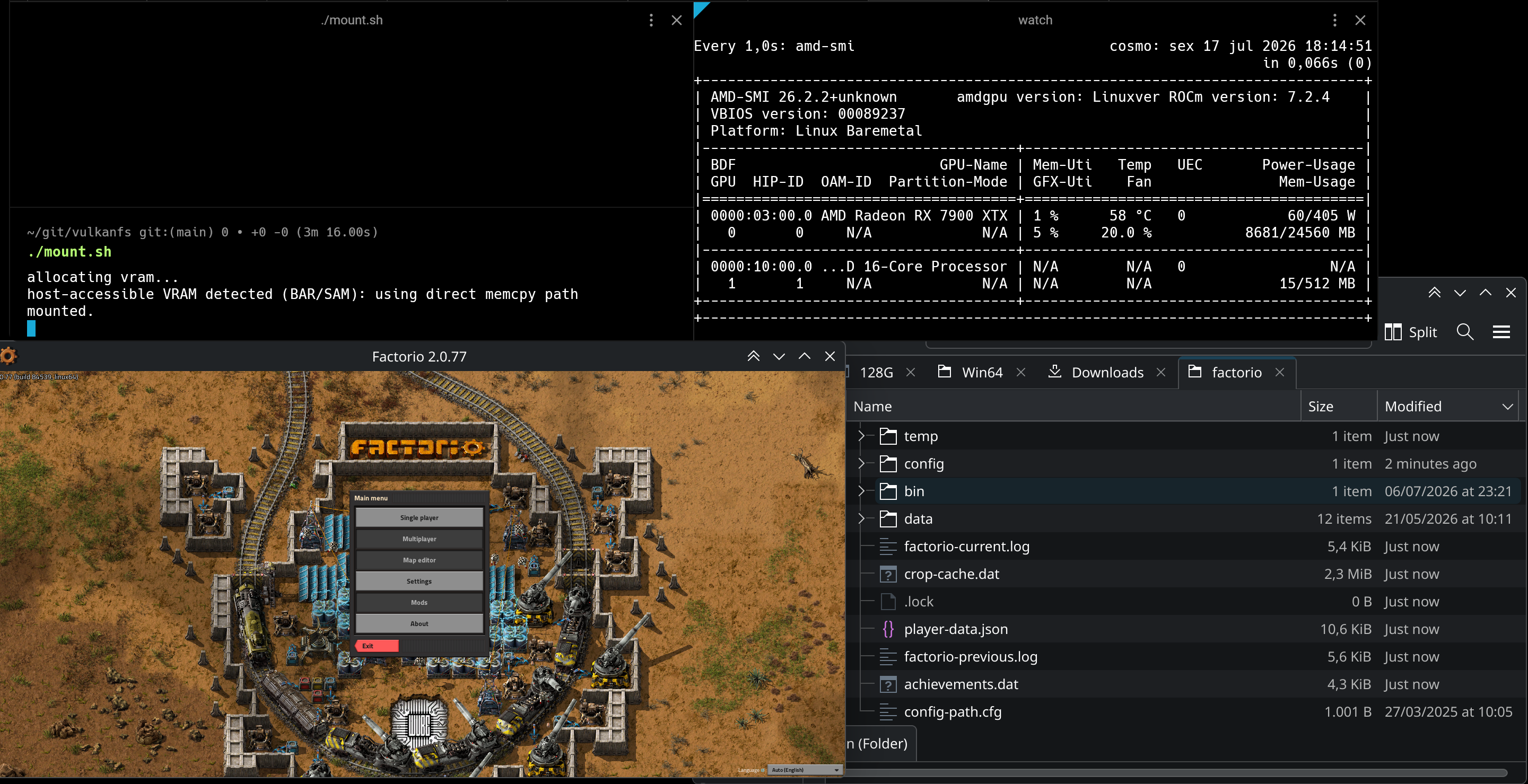
vulkanfs is a FUSE filesystem backed by Vulkan buffers. You give it a size, it carves that much GPU memory at mount time, and from that point on it looks like a regular filesystem — ls, cp, cat, whatever.
mkdir -p /tmp/vram
./bin/vulkanfs /tmp/vram 3G
allocating vram...
host-accessible VRAM detected (BAR/SAM): using direct memcpy path
mounted.
On GPUs with resizable BAR (NVIDIA) or Smart Access Memory (AMD), the CPU can access VRAM directly over PCIe without involving the GPU pipeline at all. My RX 7900 XTX supports this, so reads and writes become a plain memcpy straight into mapped video memory.
Copying Factorio in 🔗
The demo clocks in at 1.7 GB across 8,071 files. With rsync -a to preserve permissions:
rsync -a ~/Downloads/factorio/ /tmp/vram/factorio/
Done in about a second. Then:
/tmp/vram/factorio/bin/x64/factorio
   0.001 Factorio 2.0.77 (build 84539, linux64, demo)
   0.006 Read data path: /tmp/vram/factorio/data
   0.006 Write data path: /tmp/vram/factorio [1072/3072MB]
   ...
  13.231 Factorio initialised
Works. The game loads, the map loads, everything runs normally. Factorio has no idea it’s reading its assets out of a Radeon.
How fast? 🔗
==> Writing 1G file with dd...
1073741824 bytes (1.1 GB) copied, 0.262236 s, 4.1 GB/s
Why? 🔗
Because it’s a funny idea and it works.
The source is at github.com/mauri870/vulkanfs.
See ya next time 😄